


From Line to Image: tuomiAI Sketch in Practice
19.11.2026 · AI image generation
A house, a tree and a sun, drawn in a minute – tuomiAI Sketch turns it into a photorealistic image. We show the whole path from hand sketch to result.
Not every image idea can be put into words. If you have a scene in mind, drawing it is often faster than describing it. tuomiAI Sketch reverses the path: sketch first, describe second – and the AI renders it into a finished image.
A drawing board in the browser
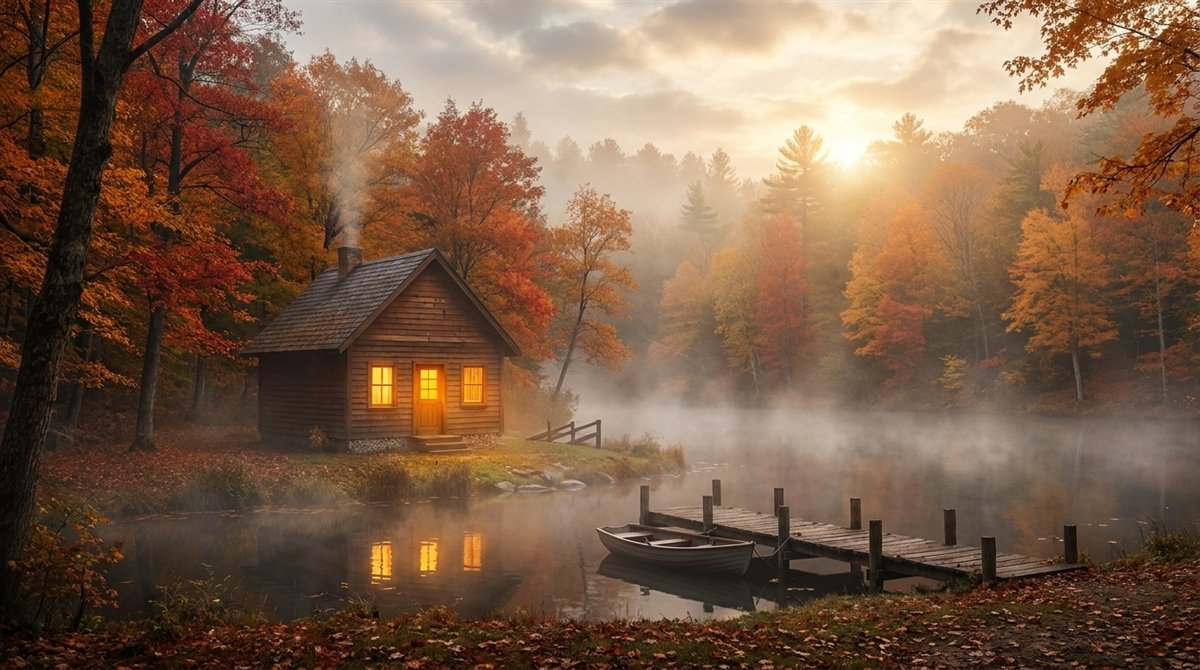
The studio is deliberately plain: tools on the left, the white surface in the middle, pages on the right. There is a pen and an eraser, text, rectangle, circle, triangle, star, heart, cloud and arrow, plus an image tool for templates. A slider controls stroke width, a palette of 16 colours the colour; undo, redo and “Clear all” sit below.
At the bottom there is one button: AI Generate. It opens the dialog where you pick the sketches, write the prompt and see the result. Generation runs on the platform – the footer names Gemini, Imagen and Veo.
The test sketch
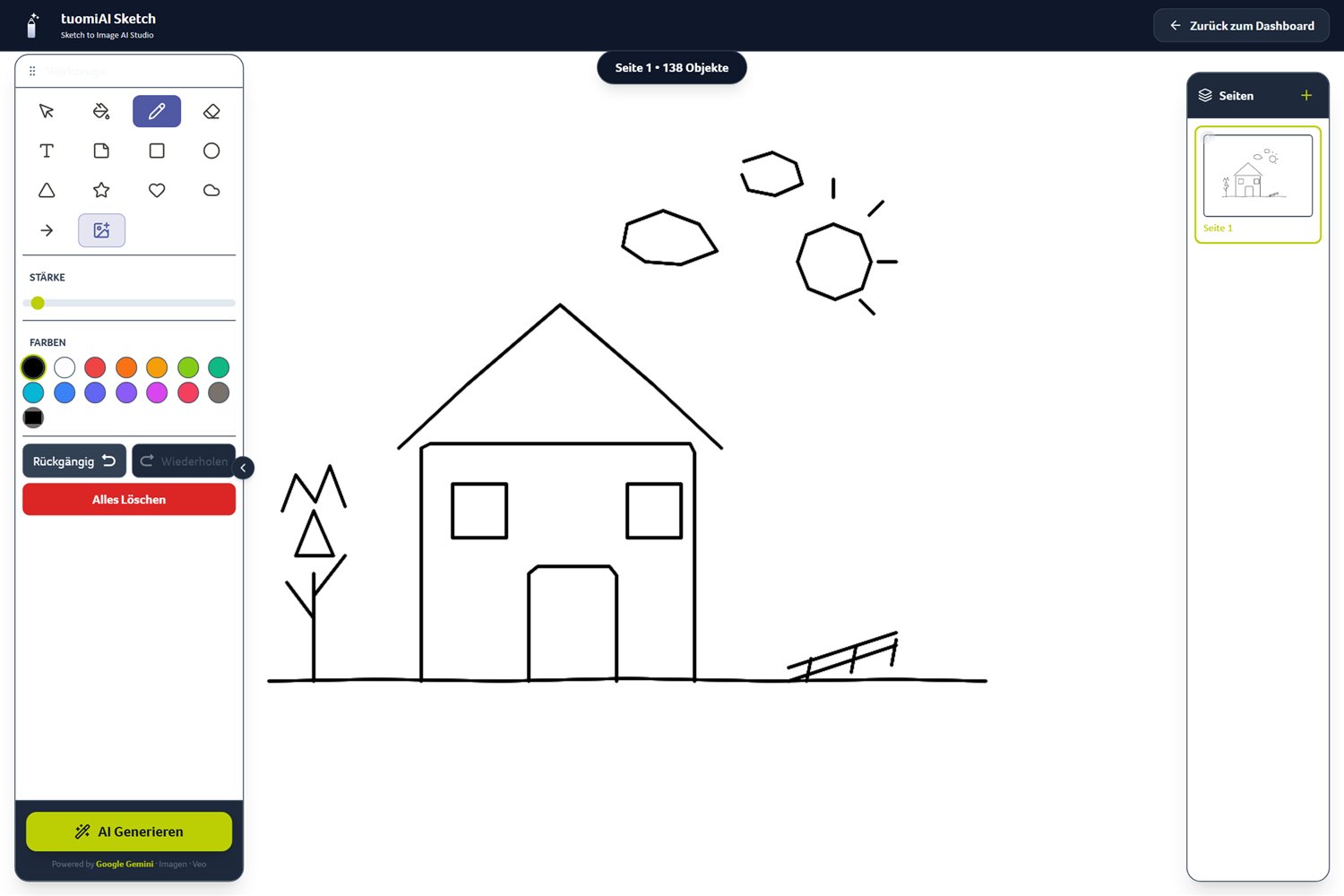
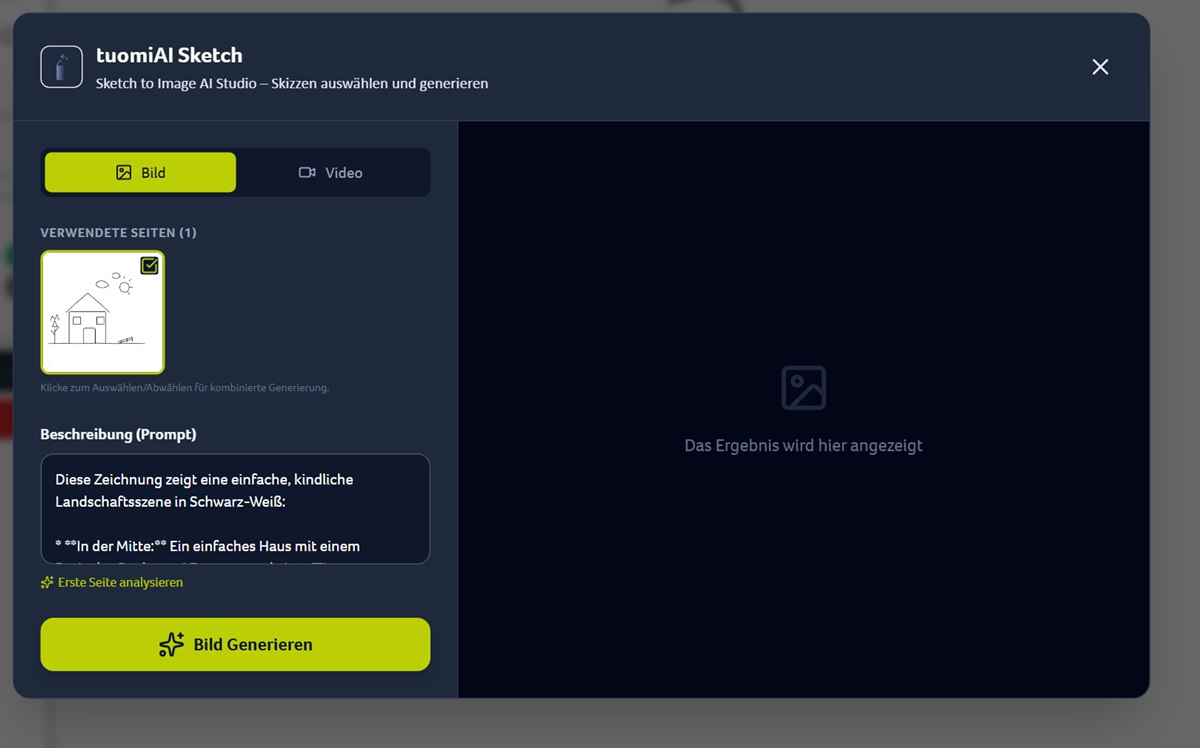
For this test a small scene was drawn in about a minute: a house with a pitched roof, two windows and a door, a tree on the left, a sun and two clouds top right, a jetty bottom right. Nothing more – no perspective, no shading, no colours.
The prompt decides the look
The sketch defines the composition, the prompt the mood. There are two ways to get there.
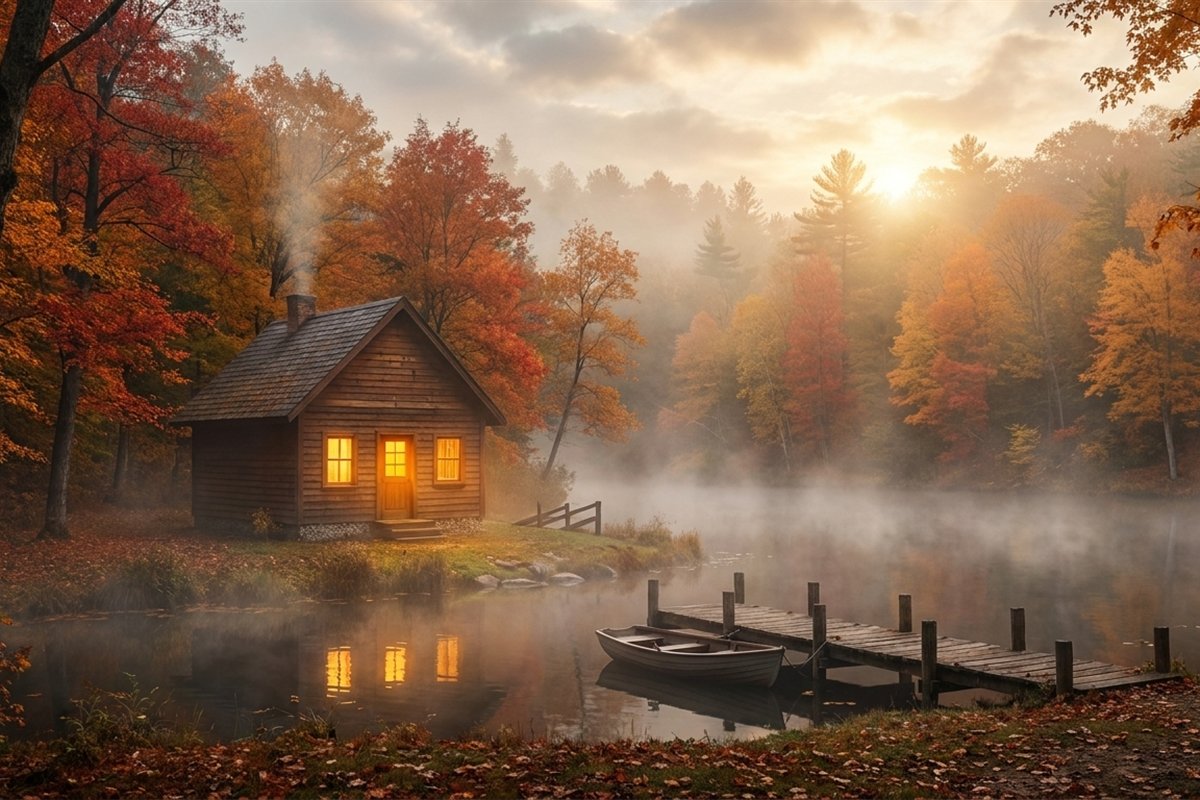
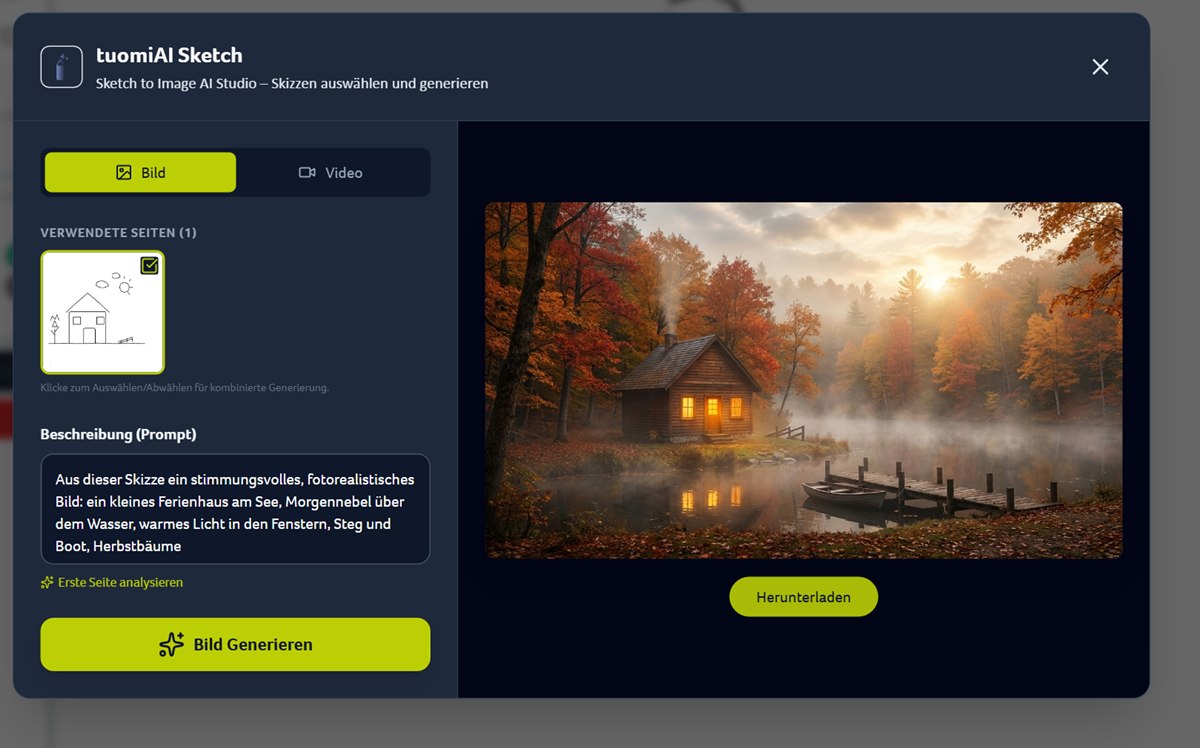
Our prompt: “Turn this sketch into an atmospheric, photorealistic image: a small lakeside cabin, morning fog over the water, warm light in the windows, jetty and boat, autumn trees.” It carries three things: the scene (cabin by the lake), the mood (morning fog, warm light) and the season (autumn trees).
If you don't know where to start, click “Analyse first page”. A language model looks at the sketch and writes down what it sees:
“This drawing shows a simple, childlike landscape scene in black and white: in the middle a simple house with a triangular roof, two windows and a door. On the left a stylised tree made of lines and geometric shapes. On the right a small fence on the ground. In the sky a shining sun and two polygonal clouds.”
That is a clean inventory – but not a mood. The analysis is a starting point; light, weather and material you add yourself.
The result
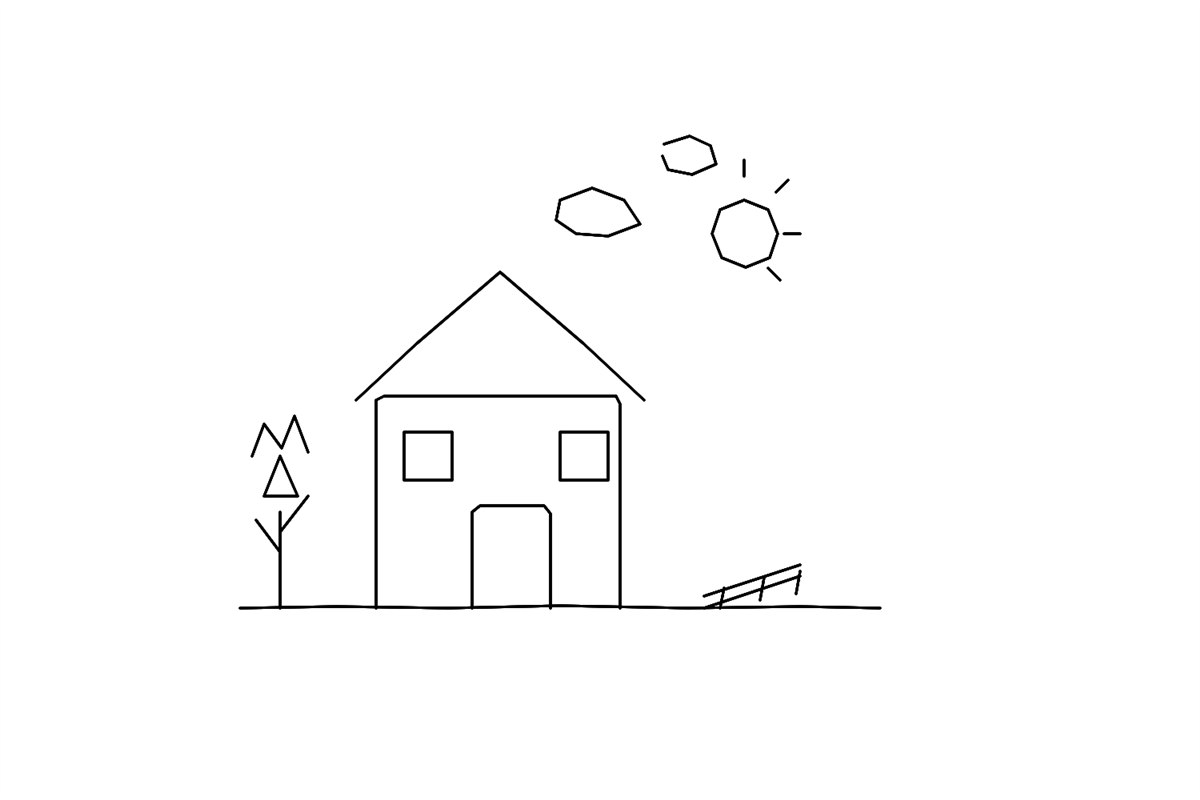
About 16 seconds later the image was there: autumn leaves on the trees, fog over the water, warm light in the windows, a boat at the jetty. The arrangement of the sketch is clearly still there – house in the middle, tree on the left, sun top right, jetty bottom right. Everything the drawing left open was filled in plausibly. A “Download” button sits under the image.
Combining several pages
The plus on the right adds more pages – one sketch per page. In the dialog under “Used pages” you choose which pages go into the generation; the hint explicitly mentions combined generation, for example as a collage. For multi-part ideas – front and back, two perspectives, a scene plus a detail – that is the practical route.
Image or video
The dialog has two tabs. “Image” is the default; “Video” leads to a video-capable generation (Veo, per the footer). Whether video is available depends on release and plan – in the demo account video was not unlocked, which is why this article stays with images.
What works well – and where the limits are
- Composition: the arrangement of the sketch is preserved – that is exactly the advantage over a pure text prompt.
- Details: windows, roof and jetty are added plausibly, but invented. If you need a specific detail, put it in the prompt.
- Text: handwritten notes on the sketch are not reliably carried over – text in the image belongs in the prompt.
- Precision: for exact layouts (product shot, floor plan, logo) tuomiAI Creative with reference images is the better tool.
Conclusion
tuomiAI Sketch is the fastest way from an idea in your head to an image you can show – without prompt acrobatics. If you can draw, or simply try roughly, you get a result in under a minute that takes your composition seriously. And if you want to refine the light afterwards, you just write it into the prompt.
Transparency: sketch and result were produced in the demo account of the tuomiAI platform. The sketch was drawn in the studio, the image generated from it with Gemini (1376 × 768).